

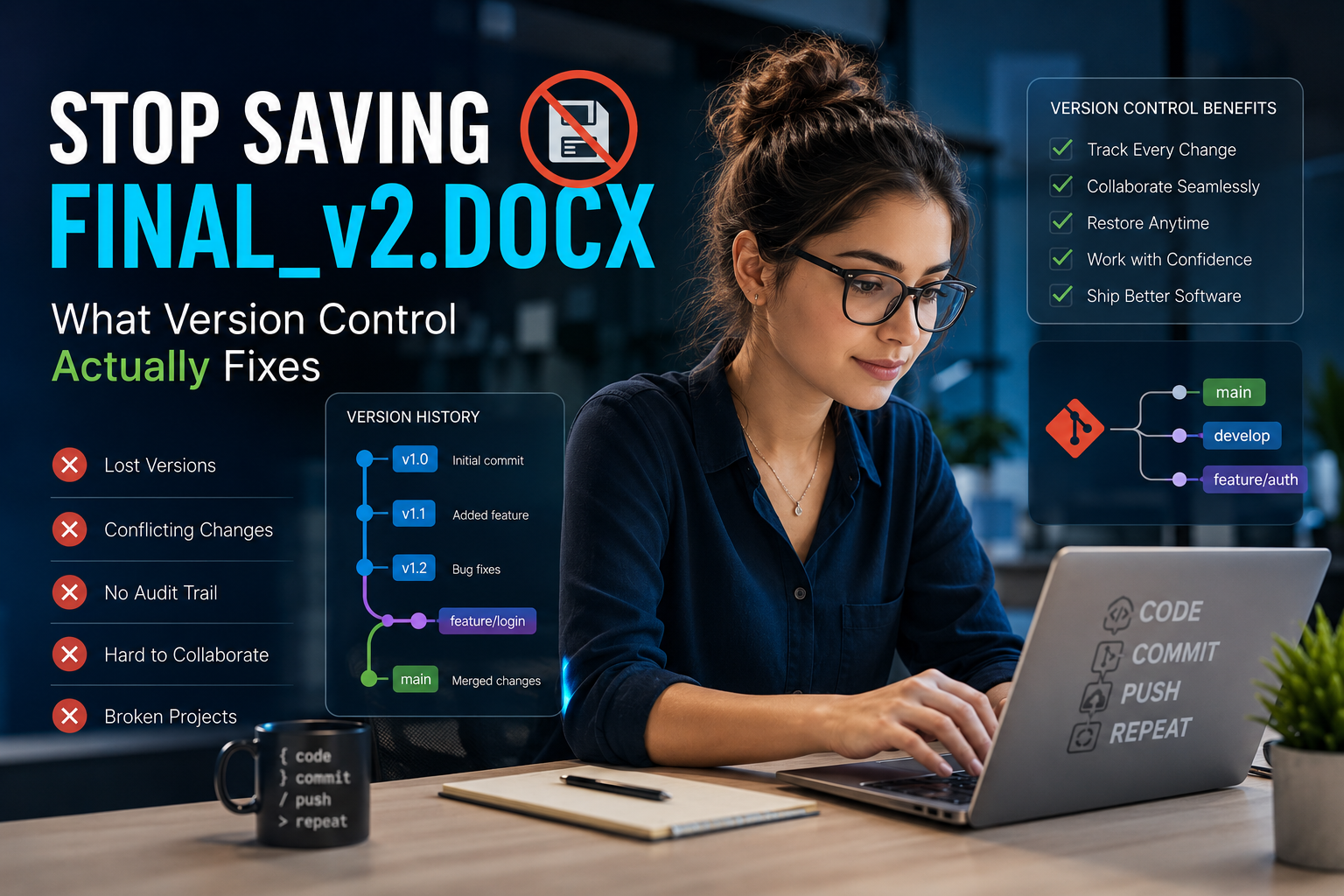
Let’s suppose! You’re writing a school essay. You save it, tweak a paragraph, change your mind, and want the old paragraph back, except you already deleted it and there’s no undo button anymore. Annoying, right? Now picture three friends editing that same essay at the same time, on three different laptops, with no way to see what anyone else changed. That’s the mess version control systems were built to clean up.
A version control system is a tool that quietly saves every single change you make to a project, so you can always jump back in time, see exactly who changed what, and combine everyone’s work without anything getting lost or accidentally overwritten. Let’s break down how they actually work, the different types, real tools like Git and SVN, and how to figure out which one is right for you, no confusing jargon, just plain English.
What Is a Version Control System, Really?
A version control system (people usually just call it a VCS) is software that tracks changes to files over time. Every time you save, it doesn’t just erase the old version and replace it. It quietly keeps the entire history, like a stack of snapshots you can flip through whenever you need to.
It’s a bit like the “track changes” feature in a word processor, except way more powerful. It doesn’t just show you what changed. It lets several people work on the same project at once, keeps a permanent record of literally everything that’s ever happened, and lets you undo something from months ago without losing anything you’ve done since.
Why Does This Actually Matter?
Without version control, teams end up with files named “project_final,” “project_final_v2,” and “project_ACTUALLY_final”, and nobody’s really sure which one is the real latest version. Now multiply that confusion across hundreds of code files and a dozen developers working at once. That’s exactly why real software teams treat version control as non-negotiable, not optional.
Here’s what it actually gives you in practice:
- A full history: every change, who made it, and exactly when
- Room to experiment safely: try something new without risking the main project
- Real teamwork: multiple people can work on the same files without stepping on each other
- Easy undos: made a mistake? Jump back to any earlier point instantly
- A clear record: useful for both accountability and just understanding how a project evolved
The 3 Types of Version Control Systems
This trips up a lot of beginners, so let’s slow down here. There are three main types, and once the difference clicks, everything else about version control makes a lot more sense.
1. Local Version Control
This is the simplest kind, and honestly, plenty of people accidentally reinvent it themselves before ever hearing the actual term. It just keeps a version history on your own single computer — a local record tracking every save, sitting right there on your machine.
The problem: if your computer dies, that history dies with it. And it doesn’t help at all the moment more than one person needs to work on the same project.
2. Centralized Version Control (CVCS)
A centralized system keeps one single “master” copy of the whole project sitting on a central server. Everyone connects to that same server to grab the latest files, make their changes, and send those changes back.
Think of a library with exactly one copy of a book. To make an edit, you check the book out, make your change, and check it back in so the next person sees the update. That’s basically the whole idea behind centralized version control.
Popular examples: Subversion (SVN), CVS (Concurrent Versions System), and Perforce.
The catch: if that central server ever goes down, nobody can save their work or even see the project’s history until it’s back online. It’s simple to manage, but it has one clear weak point.
3. Distributed Version Control (DVCS)
This is the modern standard, and it works in a genuinely different way. Instead of one central copy, every single person gets their own complete copy of the entire project, full history included sitting right on their own computer.
Back to the library idea: imagine instead of one shared book, everyone gets their own personal copy machine and prints out an entire copy of the whole library. You can read anything, compare old versions, write your own new pages, all without asking anyone else first. When you’re ready, you share your new pages with everyone else.
Popular examples: Git, Mercurial, and Bazaar.
Why it’s winning today: no single point of failure. If one computer dies, everyone else still has the full history intact. You can work completely offline. And combining everyone’s changes (“merging”) tends to go a lot more smoothly than it does with centralized systems.
Git Explained (Because Everyone’s Asking About It)
Git gets its own section because it’s not just popular. it’s basically become the industry default. Git was created back in 2005 by Linus Torvalds, the same person behind the Linux operating system, specifically to manage the massive Linux codebase more efficiently than anything else available at the time.
Git is a distributed system, meaning every developer carries the entire project history around on their own machine. That’s exactly why platforms like GitHub, GitLab, and Bitbucket exist in the first place — they’re websites built specifically to host and share Git repositories online, making it easy for teams (and total strangers across the world) to collaborate on the same codebase.
A few reasons Git became everyone’s default:
- Completely free and open source
- Works on every major operating system
- Branching (making a safe copy to experiment with) and merging (folding that work back in) are fast and painless
- Works offline, since your whole project history already lives on your computer
- Has a massive community, so help is basically always one search away
How Do You Actually Get Started With Git?
If all of this sounds useful but you’re not sure where to actually begin, here’s the short version:
- Install Git on your computer. It’s free and available for Windows, Mac, and Linux
- Create a free GitHub account so you have somewhere to store and share your projects online
- Learn four basic commands first, and don’t worry about anything else until these feel natural: git init (start tracking a project), git add (choose what to save), git commit (actually save it with a note describing the change), and git push (send it online)
- Practice on a small, low-stakes project before trying it on anything important, a personal to-do list app or a simple website works great for this
- Don’t panic about branching yet get comfortable with the basics first, since branching makes a lot more sense once regular saving and committing feels natural
Most beginners genuinely feel comfortable with the basics within a week of regular practice. It looks more intimidating from the outside than it actually is once you’re using it daily.
Version Control Systems: A Quick Examples List
If you just want a straightforward list of version control systems, here are the ones that come up most often with a simple explanation of what makes each one different, so you’re not just reading names.
- Git: the most widely used distributed system today. Every person working on a project gets their own full copy of everything, including the entire history. It’s free, fast, and works even without an internet connection. If you learn just one system, this is the one almost everyone recommends starting with.
- Subversion (SVN): a well-known centralized system, still common in enterprise settings. Instead of everyone having their own full copy, there’s one main copy sitting on a server, and everyone connects to it to save their work. It’s simpler to understand than Git, which is part of why some companies still stick with it for older projects.
- Mercurial: distributed like Git, but generally considered simpler to learn. It works in a very similar way to Git under the hood, just with an interface and command set that a lot of beginners find gentler to pick up. Think of it as Git’s more laid-back cousin.
- CVS (Concurrent Versions System): one of the earliest centralized systems, now mostly retired. This was one of the very first tools of its kind, built decades ago. Most teams have moved on to newer options like Git or SVN, but it’s worth knowing the name since it helped shape how modern version control works today.
- Perforce (Helix Core): centralized, especially popular in game development for handling huge files. Video games involve massive files like 3D models, textures, and audio, and Git struggles with files that large. Perforce was built specifically to handle that kind of heavy lifting smoothly.
- Bazaar: distributed, and flexible enough to support centralized-style workflows too. It’s a bit of a hybrid, letting teams choose whether they want everyone to have a full copy (like Git) or lean toward a more centralized setup, depending on what fits the project better.
- Azure DevOps Server (formerly TFS): Microsoft’s own centralized version control offering. This one is built specifically for teams already working inside Microsoft’s ecosystem, and it comes bundled with extra project management and reporting tools, not just version tracking.
Popular Tools Built Around Version Control
“Version control system” and “version control tool” sound like the same thing, but they’re not quite. Here’s the easy way to remember the difference: the system is the engine underneath (like Git itself), and a tool or platform is more like the car built around that engine, something you can actually see, click on, and use with a nice interface.
Here’s a simple way to picture it: Git is like the recipe for baking bread. GitHub, GitLab, and Bitbucket are like different bakeries that all use that same recipe, but each one adds its own extra stuff on top, different decorations, different tools, a different storefront.
- GitHub: the most popular place to store and share Git projects online. It’s especially known for something called “pull requests,” which is just a simple way for someone to say “hey, I made a change, can you check it before it goes into the main project?” It also has the biggest community of open-source projects, meaning millions of free projects anyone can look at, learn from, or contribute to.
- GitLab: does everything GitHub does, but also bundles in extra tools that help automatically test and publish code (this is called CI/CD, short for Continuous Integration/Continuous Deployment). It’s a good pick for teams that want more built-in tools without needing to connect a bunch of separate apps together.
- Bitbucket: works a lot like GitHub and GitLab, but it’s made by the same company as popular tools like Jira and Trello. So if your team already uses those for planning and tracking tasks, Bitbucket tends to fit in smoothly since everything’s designed to work together.
- Perforce Helix Core: built for a very specific kind of heavy lifting: huge files. While GitHub and GitLab are great for code (which is mostly just text), things like video game files, 3D models, textures, sound files are much bigger and heavier. Perforce was built specifically to handle files that large without slowing everything down, which is exactly why game studios rely on it so much.
Version Control Systems Other Than Git
Git dominates the conversation these days, but it’s genuinely not the only option and for some teams, it isn’t even the right one. If you’re weighing alternatives:
- SVN is still a solid choice for teams that want simple, centralized control and don’t need Git’s more complex distributed setup
- Mercurial offers a gentler learning curve while staying distributed like Git
- Perforce remains the go-to in game development, where projects involve huge binary files (3D models, textures) that Git just doesn’t handle as efficiently
Git vs. SVN: Which One Should You Actually Pick?
This question comes up constantly, so let’s settle it plainly.
Go with Git if: your team works remotely, you want fast and flexible branching, you’re building something that needs to plug into modern CI/CD pipelines, or you’re contributing to open-source projects (since most of them already live on GitHub anyway).
Go with SVN if: your team is small and works closely together in one place, you need strict, centralized control over who can access what, you’re maintaining an older project that’s already built on SVN, or you’re working heavily with large binary files that benefit from file locking.
Neither one is objectively “better” across the board. It really comes down to your team, your project, and how you actually like to work.
Frequently Asked Questions
What are examples of version control systems?
The most common examples are Git, Subversion (SVN), Mercurial, CVS, and Perforce. Git is by far the most widely used today, especially through platforms like GitHub and GitLab.
Is SVN better than Git?
Not universally it really depends on your situation. SVN is simpler and gives you strict centralized control, which suits smaller teams or older legacy projects well. Git is more flexible, works offline, and fits large, distributed teams and modern workflows better, which is a big part of why it’s become the industry standard.
Is Jira a version control system?
No. Jira is a project and issue-tracking tool used to manage tasks, bugs, and team workflows it doesn’t store or track code changes the way Git or SVN does. Jira is usually used alongside a version control system (often through Bitbucket) rather than replacing one.
Is Git CVCS or DVCS?
Git is a DVCS a Distributed Version Control System. Every developer using Git carries a complete copy of the entire project and its full history on their own machine, instead of relying on one central server the way a CVCS like SVN does.
Ready to Start Using Version Control?
Whether you’re a student working on your very first coding project or part of a team managing a massive codebase, choosing the right version control system is one of the more important early decisions you’ll make. For most people starting out today, Git is the safest first step, mostly because of how widely it’s used and how much help is available whenever you get stuck.
Want more simple, easy-to-follow guides on the tools developers actually use every day? Explore more software guides and comparisons at softwarecora.com to find the right tools for whatever you’re building next.
