

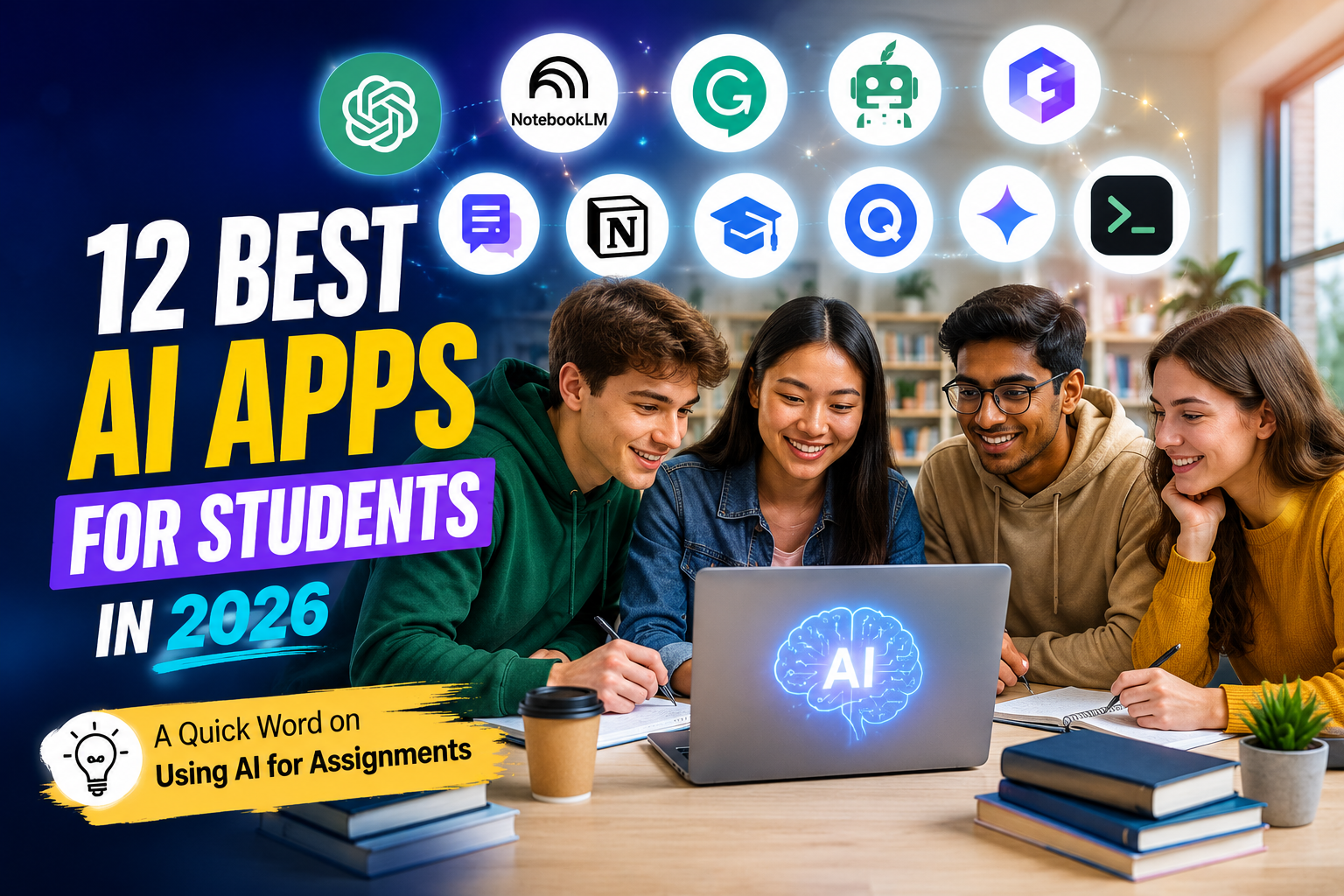
Late at night. Ten tabs open. A textbook you haven’t read yet. Sound familiar? The right AI app can turn that chaos into an actual study plan, sometimes in minutes, not hours.
Quick Answer: The best AI apps for students in 2026 are ChatGPT, NotebookLM, Grammarly, Notion AI, and Mindgrasp. ChatGPT is best for explaining topics, NotebookLM is best for studying your own notes for free, Grammarly polishes your writing, Notion AI organizes your workload, and Mindgrasp turns lectures into flashcards and quizzes automatically.
Whether you’re in high school, college, or grad school, AI tools now touch almost every part of studying: taking notes, writing essays, building flashcards, and even preparing slides. We looked closely at real reviews, student forums like Reddit, and each app’s own features to build this list, so you can pick tools that actually fit how you study, not just ones that are trending.
How We Picked These AI Apps for Students
We didn’t just list every AI tool with the word “student” in its description. Each app on this list had to pass a simple test:
- Does it actually save study time, not just add a new app to check?
- Is it easy enough for a first-year student to use without a tutorial?
- Is the free plan good enough to actually be useful on its own?
- What do real students say about it on Reddit, app stores, and review sites?
This matters because having a solid core software stack for school, one or two apps that genuinely help, beats juggling ten half-used tools. Below, each app is grouped by what it’s actually best at.
Quick Comparison: Best AI Apps for Students
| App | Best For | Free Plan | Starting Price |
| ChatGPT | Best all-around study buddy for any subject | Free plan | $20/mo |
| NotebookLM | Best for turning lecture notes into a study guide | Free | Free |
| Grammarly | Best for polishing essays and assignments | Free plan | $12/mo |
| QuillBot | Best for paraphrasing and citations | Free plan | $9.95/mo |
| ChatPDF | Best for chatting with long textbook PDFs | Free plan | $5/mo |
| Notion AI | Best for organizing notes, deadlines, and projects | Free plan | $10/mo |
| Mindgrasp | Best for turning lectures into flashcards and quizzes | Free plan | $9.99/mo |
| StudentAI | Best for 24/7 AI tutoring across subjects | Free trial | Paid plans vary |
| Quizlet | Best for AI-generated flashcards | Free plan | $7.99/mo |
| Gamma AI | Best for building class presentations fast | Free plan | $8/mo |
| Google Gemini | Best if you already use Google Docs and Slides | Free plan | $19.99/mo |
| AskCodi | Best for computer science and coding classes | Free plan | $9.99/mo |
The 12 Best AI Apps for Students, Reviewed
1. ChatGPT
ChatGPT is an AI chatbot from OpenAI. You ask it a question in plain words, and it explains, writes, or breaks down almost any school topic. It’s the tool most students try first, and for good reason.
Price: Free plan available. Plus plans start around $20 a month.
What it does best
- Explains hard topics in simple words, then explains them again a different way if you’re still stuck.
- Builds essay outlines, practice questions, and mock exam questions.
- Can now cite sources and reason through multi-step problems, like math or logic questions.
Real student review: On subreddits like r/college and r/learnprogramming, students often say ChatGPT is best used to explain a concept a different way after a lecture, not to write the whole assignment for them.
Good and bad points
- Good: Works for almost every subject
- Good: Free plan covers most daily needs
- Good: Great at breaking down hard ideas
- Watch out: Can get facts wrong, always double-check with your textbook
- Watch out: Some schools restrict or ban its use for assignments
Best for: Any student who wants one AI tool that helps with almost everything.
2. NotebookLM
NotebookLM is Google’s AI notebook. You upload your lecture slides, readings, or notes, and it only answers using your own material, so it won’t make up random facts from the internet.
Price: Free to use.
What it does best
- Turns your uploaded notes into a summary, study guide, or even a spoken audio overview.
- Answers your questions using only your course material, with page references.
- Works with slides, PDFs, and multiple documents at once.
Real student review: Students studying for finals often mention that NotebookLM’s biggest advantage is sticking to your actual class readings, instead of guessing like a general chatbot might.
Good and bad points
- Good: Completely free
- Good: Answers stay grounded in your own material
- Good: Great for reviewing before exams
- Watch out: Needs clear, typed documents to work best
- Watch out: Less useful if you have nothing uploaded yet
Best for: Students who want to turn messy lecture notes into a clean study guide.
3. Grammarly
Grammarly checks your writing wherever you type, in Google Docs, Word, or even email. It catches typos, but it also fixes tone and structure, so your essays read clearly.
Price: Free plan available. Paid plans start around $12 a month.
What it does best
- Points out grammar, punctuation, and clarity issues as you type.
- Suggests tone changes so your writing doesn’t sound too casual for a professor.
- Newer academic mode checks essay structure, not just single sentences.
Real student review: Students who write in a second language often say Grammarly’s tone and clarity suggestions helped their essays sound more natural and confident.
Good and bad points
- Good: Works inside almost any writing app
- Good: Great for non-native English speakers
- Good: Free plan covers the basics well
- Watch out: Full academic style checks need the paid plan
- Watch out: Can suggest changes that don’t fit creative writing
Best for: Any student who wants their essays and assignments to read clearly.
4. QuillBot
QuillBot rewrites text in a different style, formal, simple, or shorter, without changing the meaning. It’s popular for rewording research and adding citations to essays.
Price: Free plan available (word limit applies). Paid plans start around $9.95 a month.
What it does best
- Several rewriting styles: formal, concise, and expanded.
- Adds citations automatically in common academic formats.
- Includes a grammar checker and a plagiarism checker.
Real student review: Students working on research papers often mention using QuillBot to reword a dense paragraph from a source, then editing it further in their own words before submitting.
Good and bad points
- Good: Fast way to rephrase dense text
- Good: Built-in citation help
- Good: Free plan is enough for light use
- Watch out: Free plan limits how much text you can rewrite at once
- Watch out: Rewrites still need a human read-through
Best for: Students who need to reword sources and format citations quickly.
5. ChatPDF
ChatPDF lets you upload a textbook chapter or research paper and ask it direct questions, like “what’s the main argument on page 12?” It answers instantly instead of you scanning the whole file.
Price: Free plan available (with file limits). Paid plans start around $5 a month.
What it does best
- Upload any PDF and ask questions about it in plain language.
- Gives page references with its answers, so you can check the original text.
- Can search across more than one document at once on newer plans.
Real student review: Students revising for exams often say ChatPDF saves the most time the night before a test, when there’s no time left to reread an entire chapter.
Good and bad points
- Good: Fast way to search long PDFs
- Good: Free plan works for occasional use
- Good: Gives page citations
- Watch out: Struggles with scanned, image-based PDFs
- Watch out: File size limits on the free plan
Best for: Students with long textbook PDFs and not enough time to read them all.
6. Notion AI
Notion is where a lot of students already keep notes, schedules, and to-do lists. Notion AI adds a smart assistant right inside it, so you can summarize a page or plan your week without switching apps.
Price: Notion is free for basic use. AI add-on pricing starts around $10 a month.
What it does best
- Summarizes long notes or lecture pages into short bullet points.
- Builds study plans and assignment trackers using AI templates.
- Keeps notes, deadlines, and AI help in one workspace.
Real student review: Students who already organize their semester in Notion often say the AI summary feature is what finally got them to stop rereading long lecture pages before exams.
Good and bad points
- Good: Combines notes, planning, and AI in one place
- Good: Flexible for any class or major
- Good: Good free plan for basic use
- Watch out: Full AI features cost extra
- Watch out: Takes a little setup time at first
Best for: Students who already use Notion for notes and want built-in AI help.
7. Mindgrasp
Mindgrasp turns a recorded lecture, PDF, or YouTube video straight into notes, flashcards, and a quiz. It’s built specifically for students, not general work tasks.
Price: Free plan available. Paid plans start around $9.99 a month.
What it does best
- Records live lectures and instantly turns them into organized notes.
- Auto-generates flashcards and quizzes from your own material.
- Includes a 24/7 AI tutor to explain anything you’re stuck on.
Real student review: Reviewers on the Mindgrasp app describe it as especially useful for students juggling several classes at once, since flashcards are built automatically instead of by hand.
Good and bad points
- Good: Built specifically for students
- Good: Turns lectures into study material automatically
- Good: Works with audio, video, PDFs, and slides
- Watch out: Best features are behind the paid plan
- Watch out: Needs a decent recording to transcribe accurately
Best for: Students who record lectures and want an instant study kit from them.
8. StudentAI
StudentAI is built only for students, graduates, and professionals studying for something. It offers AI tutoring and writing help, without the extra business features general AI tools include.
Price: Free trial available. Paid plans vary by feature.
What it does best
- 24/7 AI tutoring across a wide range of subjects.
- Helps structure and improve papers and assignments.
- Built specifically around student and exam use cases.
Real student review: Students looking for a dedicated study assistant, rather than a general-purpose chatbot, often pick StudentAI because everything on it is built around coursework and exams.
Good and bad points
- Good: Designed only for student needs
- Good: Simple, focused feature set
- Good: Good for exam preparation
- Watch out: Smaller community and fewer reviews than bigger AI tools
- Watch out: Fewer integrations with other school apps
Best for: Students who want a study-only AI tool, without extra business features.
9. Quizlet
Quizlet has been a flashcard favorite for years, and its AI features now build flashcards and practice tests for you automatically from your notes.
Price: Free plan available. Paid plans start around $7.99 a month.
What it does best
- Turns your notes or textbook text into flashcards automatically.
- Generates practice tests based on what you’ve already studied.
- Huge existing library of flashcard sets shared by other students.
Real student review: Reddit study communities like r/MedicalSchool often mention Quizlet’s AI flashcards as a fast way to turn a dense chapter into practice material before a big exam.
Good and bad points
- Good: Massive existing flashcard library
- Good: AI saves time building new decks
- Good: Familiar, easy interface
- Watch out: Some advanced AI features are paid-only
- Watch out: Shared decks aren’t always accurate
Best for: Students who study best with flashcards and practice tests.
10. Gamma AI
Gamma AI builds a full class presentation from just a short prompt. Instead of formatting slides by hand, you describe your topic, and it builds a polished deck for you.
Price: Free plan available. Paid plans start around $8 a month.
What it does best
- Builds a full slide deck from one text prompt.
- Suggests visual themes and layouts automatically.
- Exports to PDF, PowerPoint, or a shareable video.
Real student review: Students working on group projects often mention Gamma AI as the fastest way to get a decent-looking presentation done the night before it’s due.
Good and bad points
- Good: Very fast presentation building
- Good: Professional-looking layouts
- Good: Good for last-minute projects
- Watch out: Fewer design options than premium presentation tools
- Watch out: Content still needs a fact-check before presenting
Best for: Students who need a good-looking presentation without spending hours on design.
11. Google Gemini
Google Gemini is built right into Docs, Slides, and Gmail. If your school already uses Google Workspace, Gemini is likely already sitting inside the tools you use every day.
Price: Free plan available. Paid plans start around $19.99 a month.
What it does best
- Drafts, edits, and researches directly inside Google Docs and Slides.
- Can read images, charts, and screenshots as part of your questions.
- No extra app needed if you already use a Google account for school.
Real student review: Students at schools using Google Classroom often say Gemini’s biggest advantage is not having to leave Docs or Slides to get AI help.
Good and bad points
- Good: Built into apps you may already use
- Good: Understands images and charts, not just text
- Good: No extra app to install
- Watch out: Some advanced features are limited on the free plan
- Watch out: Availability can vary by school account type
Best for: Students whose school already runs on Google Workspace.
12. AskCodi
AskCodi is built for computer science and engineering students. It explains code line by line and helps you fix bugs, instead of just handing you a finished answer.
Price: Free plan available. Paid plans start around $9.99 a month.
What it does best
- Explains programming errors in plain language.
- Supports many languages, including Python, JavaScript, and C++.
- Gives readability and logic tips, not just quick fixes.
Real student review: Computer science students often mention AskCodi as most useful for understanding why code broke, rather than just copying a working answer without learning from it.
Good and bad points
- Good: Explains coding logic, not just fixes
- Good: Supports many programming languages
- Good: Good learning tool for beginners
- Watch out: Not as deep as a full IDE plugin for advanced coders
- Watch out: Some features are paid-only
Best for: Computer science and engineering students learning to code.
A Quick Word on Using AI for Assignments
AI tools are great for explaining a topic, checking grammar, or building a study plan. But most schools still expect your actual writing and thinking to be your own. A safe rule most students follow: use AI to understand and organize, not to write the final version word for word. Always check your school’s specific AI policy before submitting anything AI-assisted.
Frequently Asked Questions
Are there good AI apps for students that are free?
Yes. ChatGPT, NotebookLM, Grammarly, QuillBot, ChatPDF, Notion AI, Mindgrasp, Quizlet, and Gamma AI all offer a free plan. NotebookLM is completely free to use with no paid tier at all.
What do students on Reddit say are the best AI apps?
In communities like r/college, r/GetStudying, and r/learnprogramming, students most often recommend ChatGPT for explanations, Notion AI for organizing notes, and Quizlet for AI-made flashcards.
What is the best free AI for students?
ChatGPT and NotebookLM are usually the top picks for a completely free AI study tool. ChatGPT is better for general explanations, while NotebookLM is better for studying your own class material.
What are the best AI apps for students overall?
ChatGPT, NotebookLM, and Notion AI are the most well-rounded picks. Add Mindgrasp or Quizlet if you want automatic flashcards, or Grammarly if writing is your main focus.
What are the best free AI apps for students?
For a completely free stack, try ChatGPT’s free plan for explanations, NotebookLM for reviewing your own notes, and Quizlet’s free plan for flashcards.
What are the best AI tools for students studying?
Mindgrasp and NotebookLM are built specifically for studying, since they turn lectures and readings into notes, flashcards, and quizzes automatically.
Are there AI apps for students like ChatGPT?
Yes. Google Gemini, StudentAI, and Mindgrasp all work in a similar chat-based way, but Gemini lives inside Google apps, and the other two are built only for student and study use.
Can AI help with student assignments?
Yes, but carefully. Tools like ChatGPT and Grammarly can help you brainstorm, outline, and edit an assignment, but most teachers expect the final writing and thinking to be your own. Always check your school’s AI policy first.
What are good student AI tools that are free?
NotebookLM is free with no paid tier. ChatGPT, Grammarly, Notion AI, and Quizlet also offer solid free plans that cover most day-to-day student needs.
What free AI tools help with studying?
NotebookLM for reviewing lecture material, ChatGPT for explaining concepts, and Quizlet for flashcards are all free and cover most study needs without paying.
Is there a good AI note taker for students?
Yes. Mindgrasp and NotebookLM both turn spoken lectures or uploaded notes into clean, organized study material automatically.
Is there school AI built for teachers too?
Yes. Tools like Gamma AI and Google Gemini are also used by teachers to build lessons and presentations, and some platforms, like Mindgrasp, offer separate tools made specifically for educators.
Are there AI apps for students that are completely free to use?
NotebookLM is fully free. ChatGPT, Grammarly, Notion AI, and Quizlet all have free versions that don’t require a credit card to start.
Is there a trustworthy student AI website?
StudentAI is a website built only for student and academic use, offering AI tutoring and writing help without extra business tools mixed in.
Final Thoughts
You really don’t need all 12 of these Ai apps. Most students do fine with just two: one AI chat assistant, like ChatGPT, for explaining things, and one study-specific tool, like NotebookLM or Mindgrasp, for turning your own notes into something you can actually revise from.
Start small, try one or two, and only add more once you know exactly what problem you’re trying to solve, less time reading, better grades, or just less stress before exams.

4 Comments
Pingback: Stop Saving "Final_v2.docx": Version Control System Explained
Pingback: Cloud Security Tips: Simple Ways to Keep Your Data Safe
Pingback: About Droven.io: AI Automation & Digital Solutions
Pingback: Olika One Gaming: How Clipmasters Edits Its iGaming Ads Fast