

Do you save your files on Google Drive, Dropbox, or a company cloud account? If so, you’re already using “the cloud.”
The cloud is great. It’s fast, it’s cheap, and you can reach your files from anywhere. But there’s a catch: the cloud is also a favourite target for hackers.
In fact, most cloud break-ins don’t happen because of some genius hacker trick. They happen because of small, avoidable mistakes: a weak password, an open folder, or a setting nobody checked twice.
That’s what this guide is about. We’ll walk you through real, easy-to-understand cloud security tips that work, based on guidance from Google Cloud, CISA, Fortinet, and top security researchers. No confusing tech talk. Just simple steps anyone can follow.
What Is Cloud Security in Simple Words?
Cloud security is everything you do to keep your data, apps, and accounts safe when they live on the internet instead of on your own computer.
Think of the cloud like a storage unit you rent in a big building. The building owner (like Amazon, Google, or Microsoft) locks the main doors and watches the cameras. But you’re still the one who has to lock your own unit and decide who gets a key. That’s cloud security in one sentence.
What Are the Best Practices for Cloud Security?
This is one of the most searched questions out there, and for good reason. Here are the best practices that security experts agree on, explained simply.
1. Know Who Is Responsible for What
Cloud companies protect the “building.” You protect what’s inside your “storage unit”: your data, your logins, and your settings. This is called the shared responsibility model, and it’s the first thing every cloud user should understand.
2. Use Strong Logins (and Turn On MFA)
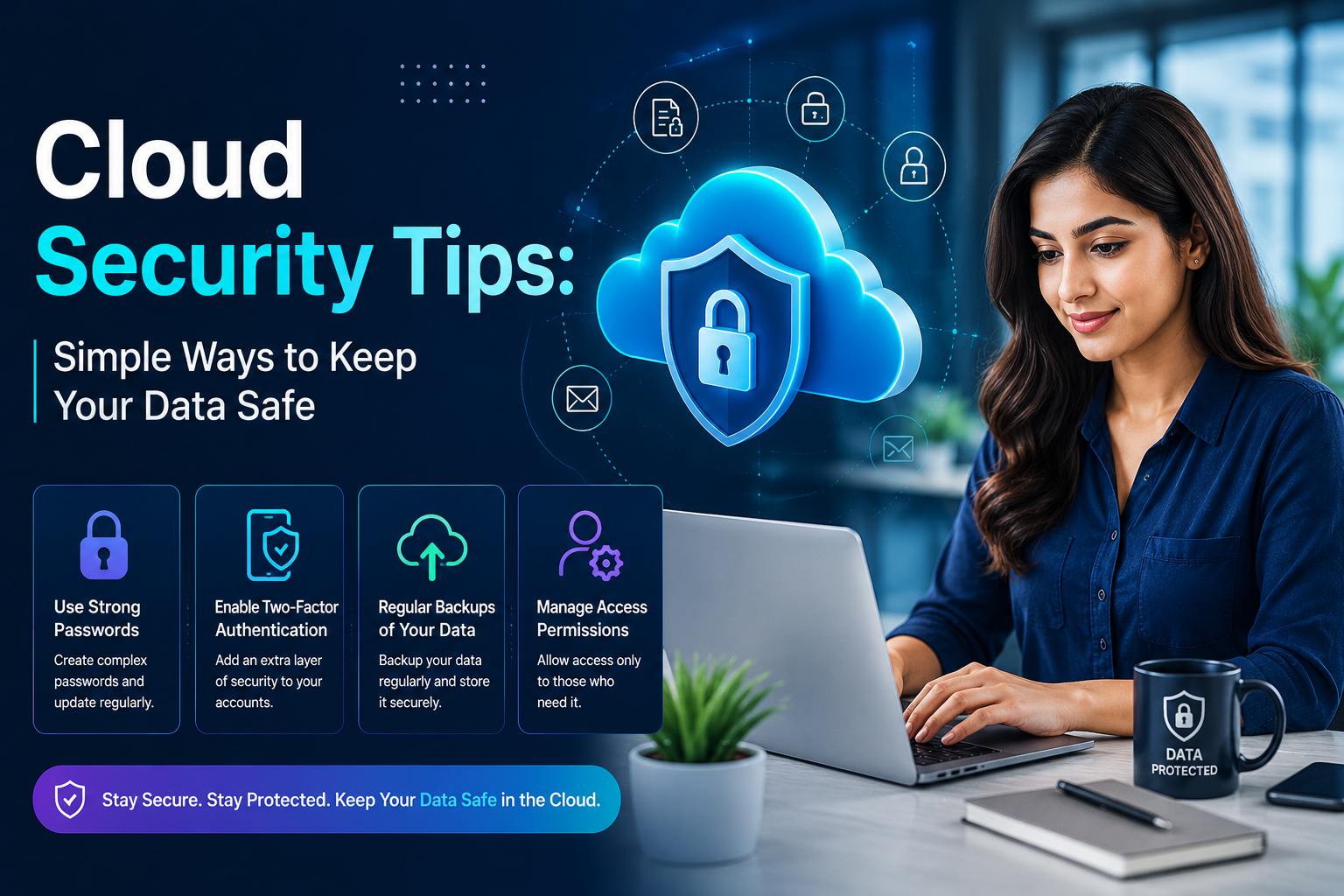
Never trust a password alone. Turn on multi-factor authentication (MFA) everywhere you can. This means that even if a hacker steals your password, they still can’t get in without a second code from your phone.
3. Give People Only the Access They Need
This is called the principle of least privilege. Don’t give every employee full access to everything. A marketing intern probably doesn’t need access to financial records. Limiting access limits damage if an account ever gets hacked.
4. Encrypt Your Data
Encryption scrambles your data into a secret code. Even if someone steals it, they can’t read it without the key. Good cloud security means encrypting data both when it’s stored and when it’s moving between servers.
5. Check Your Settings for Mistakes
Believe it or not, simple setup mistakes called misconfigurations cause most cloud data leaks. Things like a storage folder left open to the public internet, or a test server nobody remembered to lock down. Review your settings often.
6. Watch Your Cloud Activity
You can’t stop a threat you can’t see. Use built-in monitoring and logging tools so you get alerted the moment something unusual happens, like a login from a strange location at 3 a.m.
7. Back Up Your Data
Even with great security, things can still go wrong a hacker, a mistake, or a system crash. A solid backup means you can recover your files instead of losing them forever.
8. Train Your Team
Most break-ins start with a person, not a computer. A single employee clicking on a fake email link (called phishing) can open the door to hackers. Regular, simple training goes a long way.
What Is the 3-4-5 Rule in Cloud Computing?
If you’ve searched this, here’s the simple answer: the 3-4-5 rule is a way to remember the basic building blocks of cloud computing. It comes from the official definition used by NIST (a U.S. government standards body), and it breaks down like this:
3 Service Models: The three ways you can “rent” the cloud:
- IaaS (Infrastructure as a Service): you rent servers and storage
- PaaS (Platform as a Service): you rent a ready-made platform to build apps on
- SaaS (Software as a Service): you rent finished software, like Gmail or Zoom
4 Deployment Models: where the cloud lives:
- Public cloud: shared servers, open to anyone who pays (like AWS or Azure)
- Private cloud: a company’s own dedicated cloud
- Hybrid cloud: a mix of public and private
- Community cloud: shared between a group of similar organizations
5 Essential Characteristics: What makes something “the cloud” in the first place?
- On-demand self-service (you can set it up yourself, instantly)
- Broad network access (you can reach it from anywhere)
- Resource pooling (many customers share the same equipment safely)
- Rapid elasticity (it can grow or shrink quickly, based on need)
- Measured service (you pay only for what you use)
Understanding the 3-4-5 rule helps you make smarter, safer choices about which type of cloud fits your needs.
What Are the 6 Pillars of Cloud Security?
Security experts often organize cloud protection into six main pillars, or areas of focus. Here they are, in plain language:
| Pillar | What It Means |
| 1. Shared Responsibility | Know exactly what the cloud provider protects, and what you must protect yourself |
| 2. Identity and Access Management (IAM) | Controlling who can log in, and what they’re allowed to do once inside |
| 3. Data Protection | Encrypting and classifying your data so sensitive information stays private |
| 4. Infrastructure Security | Locking down servers, networks, and settings against attacks |
| 5. Application Security | Making sure the apps and software you use in the cloud are built and patched safely |
| 6. Security Monitoring and Compliance | Watch for threats in real time and follow rules like HIPAA, GDPR, or SOC 2 |
If you build your cloud strategy around these six pillars, you cover almost every major risk area.
What Are the Top 3 Cloud Security Risks?
Out of dozens of possible threats, three risks cause the vast majority of real-world cloud break-ins.
- Misconfiguration: This is the #1 cause of cloud data leaks. It happens when a setting is left wrong, like a private file made public by accident, or a database left without a password. Most of these are simple human mistakes, not hacking skills.
- Weak Identity and Access Management: Stolen or guessed passwords remain one of the easiest ways into a cloud account. Without MFA and strict access limits, one leaked password can open the door to everything.
- Data Breaches and Insecure APIs: When apps talk to each other in the cloud, they use connections called APIs. If those connections aren’t locked down properly, attackers can slip through and steal data.
The good news? All three of these risks are preventable with the basic best AI app practices we covered above.
How Do You Actually Start Improving Your Cloud Security Today?
You don’t need a huge budget to start. Here’s a simple order to follow:
- Turn on MFA on every account that touches company or personal data.
- Review who has access to what, and remove anyone who doesn’t need it.
- Check your cloud storage settings for anything marked “public” that shouldn’t be.
- Turn on backups if you haven’t already.
- Set up alerts for unusual logins or activity.
- Train your team on spotting phishing emails.
Small steps like these stop the vast majority of real attacks.
Frequently Asked Questions
What are the best practices for cloud security?
The core best practices are: understand the shared responsibility model, use MFA, apply least-privilege access, encrypt your data, monitor for unusual activity, back up regularly, and fix misconfigurations quickly.
What is the 3-4-5 rule in cloud computing?
This is a simple way to remember the 3 service models (IaaS, PaaS, SaaS), 4 deployment models (public, private, hybrid, community), and 5 essential characteristics of cloud computing, based on the official NIST definition.
What are the 6 pillars of cloud security?
These include shared responsibility, identity and access management, data protection, infrastructure security, application security, and security monitoring and compliance.
What are the top 3 cloud security risks?
Misconfiguration, weak identity and access task management (like stolen passwords), and data breaches through insecure APIs are the three biggest and most common risks today.
The Bottom Line
Cloud security doesn’t have to be complicated. Most attacks succeed because of small business, fixable mistakes, not because of unstoppable hackers. If you turn on MFA, locked down access, encrypted your data, and keep an eye on your settings, you’re already ahead of most organizations out there.
At SoftwareCora, we break down complex tech topics into simple, honest advice so you can protect what matters without needing a computer science degree.
Want more simple, no-jargon guides on staying safe online and choosing the right software? Visit Software Cora for more easy-to-follow tips and honest software reviews.

2 Comments
Pingback: Apps and Software AlienSync: How to Sync Devices Safely
Pingback: BrandRank.ai Normalization Rules: Fix Messy Brand Data Fast