

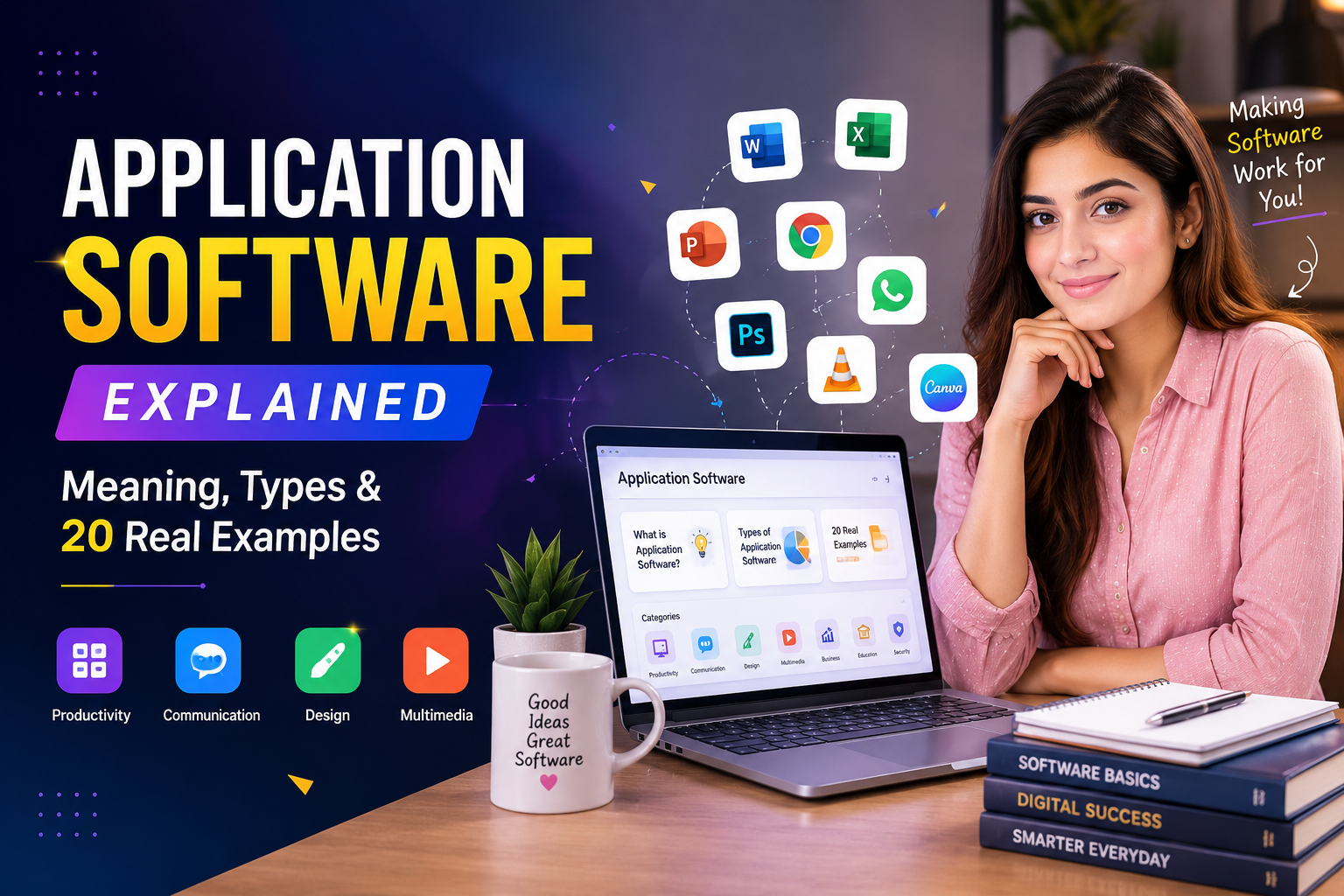
Think about your phone or computer for a second. When you open YouTube to watch a video, or Word to write something, or a calculator to add up numbers, every single one of those is application software. It’s the part of your device that helps YOU do something, instead of just keeping the machine running quietly in the background.
That’s really the whole idea in one sentence. But there’s more worth knowing — how it’s different from system software, what embedded software means, real examples you already use every day, and a few confusing terms floating around online that you should know how to spot. Let’s go through it all, in plain, simple language. If you want a bigger picture of how all these software categories fit into a business’s technology setup, our Technology Solutions guide covers that in more depth.
What Is Application Software?
Application software is a computer program built to help you do a specific job. Writing a letter, editing a photo, chatting with a friend, playing a game — each of these needs its own app, and that app is application software.
Here’s an easy way to remember it: application software works FOR you. You open it because you want to do something specific with it. A word processor helps you write. A game helps you play. A calculator helps you do math. Without you opening it and using it on purpose, it just sits there doing nothing.
What Is Application Software vs. System Software?
This is probably the single most confusing part for beginners, so let’s make it simple.
Application software is the software YOU use directly, on purpose, to get something done — like Word, Chrome, or Instagram.
System software is different. This is the software running in the background that keeps the computer running so other programs can function properly. The operating system you use on your computer (such as Windows, Mac OS, or Android) is a type of system software. Device drivers are system software as well. You don’t usually “open” system software the way you open an app; it’s just always running, keeping things going.
A simple way to picture it: system software is like the engine of a car, and application software is like the radio, the air conditioning, and the GPS, the actual things you interact with while you’re driving.
What Is Embedded Software?
Embedded software is a special kind of software built into a device to make that one specific device work and nothing else. Unlike application software, which you can install on many different computers, embedded software usually lives permanently inside one type of machine.
Think about a microwave, a washing machine, a smartwatch, or even a car’s dashboard. Each of these has a small computer chip inside it, and that chip runs embedded software specifically designed for that device. You can’t “download” embedded software the way you download an app; it comes built right into the hardware.
What Are Software Solutions?
Software solutions are really just a bigger, business-style way of saying “software built to solve a specific problem.”Instead of talking about one single app, “software solutions” usually means a complete set of tools, sometimes several apps working together, designed to fix a real business need, like managing customers, tracking sales, or organizing employee schedules.
For example, a company might use an entire software solution to manage its warehouse: one part tracks inventory, another handles shipping labels, and another manages employee schedules — all working together as one bigger solution instead of just a single app. This is really the same idea behind digital transformation solutions, where businesses combine multiple software solutions to modernise how they operate.
Types of Application Software
Application software isn’t just one big category — it splits into different types based on what job it does. Here are the main ones:
- Word processing software: helps you write and format documents (like Microsoft Word)
- Spreadsheet software: helps you organise numbers and do calculations (like Excel)
- Presentation software: helps you build slideshows (like PowerPoint)
- Web browsers: let you visit websites (like Chrome or Firefox)
- Multimedia software: helps you edit photos, videos, or music
- Educational software: helps students learn through lessons, quizzes, and games
- Graphics software: used for drawing, designing, and 3D modelling
- Communication software: lets you message or video call people (like WhatsApp or Zoom)
- Enterprise application software: large software systems used by entire companies, not just one person, to manage things like sales, employees, or finances across the entire business
That last one, enterprise application software, is worth explaining a bit more, since it shows up a lot in business searches. Unlike a simple app that one person uses, enterprise application software is built for hundreds or even thousands of people inside one company to use together — think of tools that manage a whole company’s customer relationships or a whole company’s payroll, all in one connected system. A CRM platform is a great real-world example of this — our guides to the best CRM software for small businesses and best CRM software for real estate agents both show enterprise application software in action.
10 Application Software Examples
If you want a short, simple list of application software examples, here are 10 you’ve probably used yourself:
- Microsoft Word: for writing documents
- Microsoft Excel: for spreadsheets and numbers
- Google Chrome: for browsing the internet
- WhatsApp: for messaging friends and family
- Zoom: for video calls
- Canva: for designing graphics
- Spotify: for listening to music
- Instagram: for sharing photos and videos
- Adobe Photoshop: for editing images
- Google Calendar: for planning your schedule
20 Examples of Application Software
If you need a bigger list, here are 20 examples of application software covering everyday life, school, and business:
- Microsoft Word (writing)
- Microsoft Excel (spreadsheets)
- Microsoft PowerPoint (presentations)
- Google Chrome (web browsing)
- Mozilla Firefox (web browsing)
- WhatsApp (messaging)
- Zoom (video calls)
- Microsoft Teams (team communication)
- Slack (workplace chat)
- Canva (graphic design)
- Adobe Photoshop (photo editing)
- Adobe Premiere Pro (video editing)
- Spotify (music streaming)
- Netflix (video streaming)
- Instagram (social media)
- Salesforce (customer management for businesses)
- QuickBooks (accounting software)
- Duolingo (learning a new language)
- Google Calendar (scheduling)
- Notion (notes and organizing tasks)
Uses of Application Software
So why does all of this matter? Here’s what application software is used for in everyday life:
- Getting work done: writing reports, building spreadsheets, making presentations
- Talking to people: messaging apps, video calls, and social media
- Learning new things: educational apps and online courses
- Having fun: games, music, and video streaming
- Running a business: managing money, customers, employees, and sales
- Creating things: designing graphics, editing videos, or making music
Basically, if there’s a specific task you want your computer or phone to help you with, there’s probably a piece of application software built exactly for it.
Application Software in a Computer: Where Does It Actually Live?
Inside any computer, software is generally organized in layers, like a simple stack. At the very bottom sits the hardware — the physical parts like the processor and memory. Right above that sits system software, like the operating system, which lets the hardware function. Application software sits on the very top layer, running on top of the operating system, which is why you always need an operating system installed before any app can actually open and run.
A simple way to picture this is as a drawing: imagine three stacked boxes. The bottom box is hardware. The middle box is the system software (the operating system). The top box is application software — the apps you click on and use. Each layer depends on the one below it, which is exactly why application software in a computer can’t run on its own without an operating system underneath it. Keeping every layer of this stack secure and updated matters too — our guide to Corporate Software Inspection covers how businesses can keep hundreds of applications patched and safe at once.
A Quick Word of Caution: Watch Out for Fake “Software” Names Online
While researching this topic, you might have come across a term like “Zillexit software” floating around the internet. It’s worth knowing that this name doesn’t point to any single, real, verifiable company. Different websites describe it in wildly different ways — one calls it a project management tool, another calls it a business exit-planning platform, another calls it a data encryption tool. That’s not a sign of a flexible product; it’s a sign that the content was written without a real product existing behind the name.
This happens more often online than people realize — made-up software names get written about just to attract search traffic, without any real company or product behind them. A good rule of thumb: if five different websites can’t agree on what something does, it’s smart to be sceptical before trusting anything written about it.
Frequently Asked Questions
What are examples of application software?
Common examples include Microsoft Word, Excel, PowerPoint, Google Chrome, WhatsApp, Zoom, Canva, Spotify, Instagram, and Adobe Photoshop. Each one is designed to help a person complete a specific task, from writing documents to editing photos.
What does application software mean?
Application software means a computer program designed to help a user complete a specific task, like writing, browsing the internet, editing photos, or managing a business. This is different from system software, which runs the computer itself in the background.
What are the 20 types of application software?
While there isn’t one official fixed list of exactly 20 types, common categories include word processors, spreadsheets, presentation software, web browsers, multimedia editors, educational software, graphics software, communication apps, gaming software, and enterprise business software, among others — each covering a different everyday or business need.
What are the 5 computer software applications?
Five widely used examples are Microsoft Word, Google Chrome, WhatsApp, Zoom, and Microsoft Excel — covering writing, web browsing, messaging, video calls, and spreadsheets.
What is application software?
Application software is any program designed to help a user perform a specific task directly, rather than managing the computer’s internal operations the way system software does.
What is enterprise application software?
Enterprise application software is large-scale software built for an entire company to use together, rather than just one person. It typically manages things like customer relationships, finances, or employee data across many departments at once.
Final Thoughts
Application software is really just the tools you open and use to get things done — writing, browsing, chatting, designing, or running a business. System software works quietly behind the scenes to keep your device running; embedded software lives permanently inside specific gadgets; and software solutions describe bigger sets of tools built to solve business problems. Once you understand these simple differences, all those confusing tech terms suddenly make a lot more sense — and you’ll also know to be a little sceptical the next time you stumble across a “software” name online that nobody seems to agree on.

1 Comment
Pingback: : Recovery Home Falling Apart on Paper? Recovery Home Management Software Solutions Fix It