

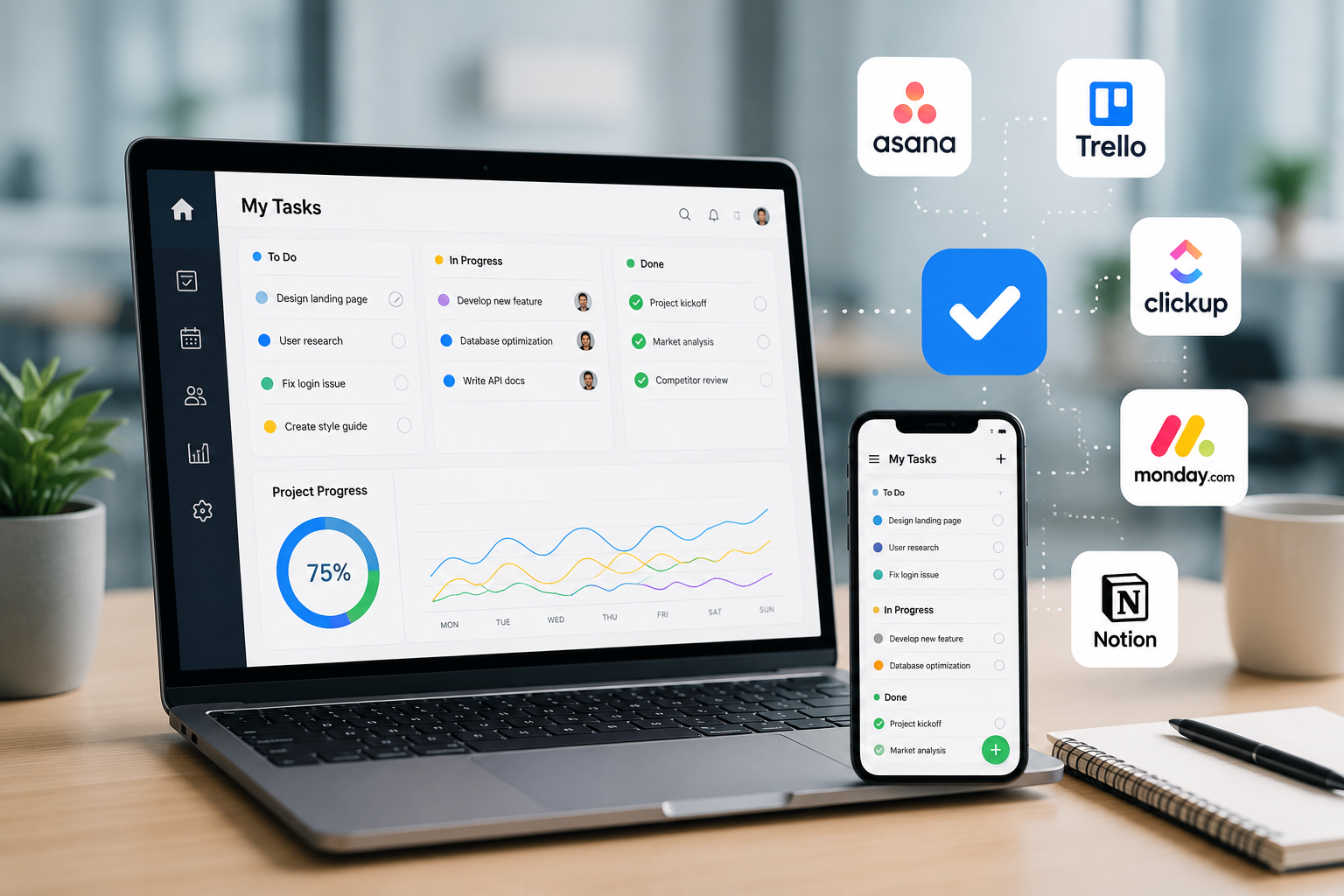
You’ve probably downloaded a task management app before. Maybe two or three. You set it up on a Sunday night, feel very in control of your life for about four days, and then quietly stop opening it.
It’s not really your fault. Most people don’t fail at task management apps. They just end up with the wrong app for how their brain works. A visual thinker forced into a plain list will always feel boxed in. A list-lover thrown into a Kanban board will always feel overwhelmed.
This guide skips the “top 47 apps” approach. Instead, we’ll look at the best to-do list apps and task management apps for 2026, break down real reviews of Todoist, TickTick, and Microsoft To Do, and point out which tools make sense for teams instead of just solo users.
What Actually Makes a Task Management App Good?
Before picking a name off a list, it helps to know what you’re comparing. Every solid task manager, whether it’s a simple to-do list app or a full project management tool, tends to nail a few of the same basics:
- Natural language input, so typing “call Ahmed on Friday at 5pm” automatically sets the date and time
- Cross-platform sync between your phone, laptop, and browser without any lag
- A clear way to prioritize, whether that’s labels, priority flags, or an Eisenhower Matrix view
- Views that match how you think: lists for planners, Kanban boards for visual thinkers, calendars for time-blockers
- A free plan that’s usable, not just a demo that expires in two weeks
Keep that checklist in mind. It’s the real reason one app clicks for you and another one doesn’t, no matter how many awards it’s won.
Best To-Do List Apps for Personal Use
If you’re managing your own day rather than a whole team, you want something light and fast. These are the names that keep showing up for good reason:
- Todoist: the most balanced option for people who want structure without complexity
- TickTick: best if you want habits, a Pomodoro timer, and a calendar view bundled into one app
- Microsoft To Do: the simplest choice if you already live inside Outlook and Microsoft 365
- Google Tasks: a no-frills option baked right into Gmail and Google Calendar
- Thing 3: a clean, one-time-purchase pick for Apple users who want minimalism
Each of these solves the same basic problem capturing tasks before they slip through the cracks — but they go about it differently enough that trying two or three before settling on one is worth the hour it takes.
Best Task Management Apps Overall (Solo + Team Use)
Once your to-do list starts overlapping with other people’s work, “task management app” starts meaning something bigger than a checklist. Here’s how the wider field breaks down:
- Todoist: best all-rounder for individuals and small teams
- Trello: best for visual planners who like dragging cards across a Kanban board
- Asana: best for once a team needs shared accountability and dependency tracking
- TickTick: best all-in-one app for personal AI productivity app with habit and focus tools built in
- ClickUp: best if you want deep customization and don’t mind a longer setup
- Notion: best for people who want to build their own task system inside a bigger workspace
- Microsoft To Do: Best free option for anyone already inside the Microsoft ecosystem
Todoist Review: Is It Still the Safest Default?
Todoist has been around since 2007, and it shows in the best possible way. The app is fast, the interface stays out of your way, and typing something like “submit invoice next Friday at 3pm” turns it into a scheduled task instantly, no menus involved.
What we liked
- Adding a task takes two to three seconds, even after months of daily use
- Works the same way across phone, desktop, and browser, so nothing gets lost between devices
- Projects, labels, and filters give you real structure without forcing you into project-management jargon
- The free plan covers a generous number of active projects, which is enough for most solo users
Where it falls short
- Calendar-style time blocking is locked behind a paid plan, and even then it feels a bit basic
- Larger teams eventually outgrow it and move toward Asana or ClickUp
Pricing and best fit
Todoist’s Pro plan sits around $5 a month when billed annually. It’s the safest starting point if you’re not sure what you need yet, simple enough for beginners, flexible enough that you won’t outgrow it for a while.
TickTick Review: The All-in-One Personal Productivity App
TickTick takes a different approach. Instead of staying a pure to-do list, it bundles in a calendar view, an Eisenhower Matrix, habit tracking, and a built-in Pomodoro timer with white noise. For one app, that’s a lot packed in, and surprisingly, it doesn’t feel cluttered once you settle into it.
What we liked
- Smart date parsing recognizes phrases like “submit essay next Friday at 11pm” and schedules it instantly
- Habit tracking sits right next to your task list, so you’re not juggling a separate app for routines
- The Pomodoro timer and focus stats make it genuinely useful for students and freelancers
- The free plan is one of the more generous ones in this category
Where it falls short
- Calendar sync can feel a little slow compared to Todoist
- It’s built more for individuals than teams – proper business collaboration isn’t really the focus here
Pricing and best fit
TickTick Premium runs about $35.99 a year, which works out to roughly $3 a month — one of the lowest prices in the category for the amount of functionality you get. It’s our strongest pick for students, solo professionals, and anyone who wants tasks, habits, and focus sessions in a single app instead of three.
Microsoft To Do Review: A Free Option for Microsoft Users
Microsoft To Do doesn’t try to be everything. It’s a clean, no-cost task list that plugs directly into Outlook, Teams, and the rest of Microsoft 365 and for people already living in that ecosystem, that’s exactly the point.
What we liked
- Completely free, with no paid tier hiding better features behind a paywall
- Flagged emails in Outlook can turn into tasks automatically
- The My Day view gives a simple daily planner without extra clutter
- Works smoothly across web, desktop, and mobile
Where it falls short
- No advanced features like dependencies, Gantt charts, or automation
- Collaboration is basic, fine for sharing a list, not built for real project coordination
- Customization is minimal, so it can feel plain next to Todoist or TickTick
Pricing and best fit
It’s entirely free with any Microsoft account. If Outlook and Microsoft 365 are already part of your daily routine, this is the lowest-friction way to manage tasks without adding a new subscription.
Best Apps for Teams
Personal to-do apps start to strain once tasks need to be assigned, tracked, and followed up on by more than one person. These are the tools built for that:
- Asana: best for cross-functional teams that need dependency mapping and timeline views
- Trello: best for teams that think in boards and want a simple, visual Kanban workflow
- ClickUp: best for teams that want one tool to replace several, with deep customization
- Todoist Business: best for small teams who want simplicity without a steep learning curve
A quick rule of thumb: if your team is under five people and mostly needs visibility into who’s doing what, Trello or Todoist Business will feel lighter. If you’re coordinating across departments with real dependencies, Asana and ClickUp earn their more complex setups.
Frequently Asked Questions
What is the best free task management app?
Microsoft To Do is the most complete free option if you’re already using Outlook or Microsoft 365. Todoist and TickTick also offer free plans generous enough for daily personal use.
Which task management app is best for students?
TickTick tends to be the strongest pick for students, thanks to its built-in Pomodoro timer, habit tracking, and calendar view that keeps assignments and study sessions in one place.
Is Todoist better than TickTick?
Todoist is better if you want a fast, distraction-free list with clean structure. TickTick is better if you want tasks, habits, and focus tools bundled into a single app. Neither is objectively better — it depends on whether you want a pure to-do list or an all-in-one productivity system.
What’s the best task management app for small teams?
Trello and Todoist Business are the easiest to onboard a small team onto without a long setup process. For teams that need more structure, Asana is the next step up.
The Bottom Line
There isn’t one best task management app, there’s the one that matches how you actually think. If you want a clean, fast list, Todoist is the safe default. If you want tasks, habits, and focus tools in one place, TickTick earns its spot. If you’re already inside Outlook and don’t want another subscription, Microsoft To Do gets the job done for free. And once tasks stop being personal and start involving a team, Trello or Asana are where that conversation really begins.
The best move isn’t reading one more comparison list. It’s picking one of these, using it for a week, and being honest about whether it disappeared into your routine or ended up back in that folder labeled “Productivity.”

6 Comments
Pingback: Is Zenvekeypo4 Software Safe? How to Verify Before Downloading
Pingback: About Droven.io: AI Automation & Digital Solutions
Pingback: Cloud Security Tips: Simple Ways to Keep Your Data Safe
Pingback: Wolf 3D Software Guide 2026: The Game, the ECU Tuning Tool & Downloads Explained
Pingback: Software GDTJ45 Builder Does Not Work? Here’s the Fix!
Pingback: Badseed Tech Carpio Review: Sizes, Sets, AirRest & Honest Verdict